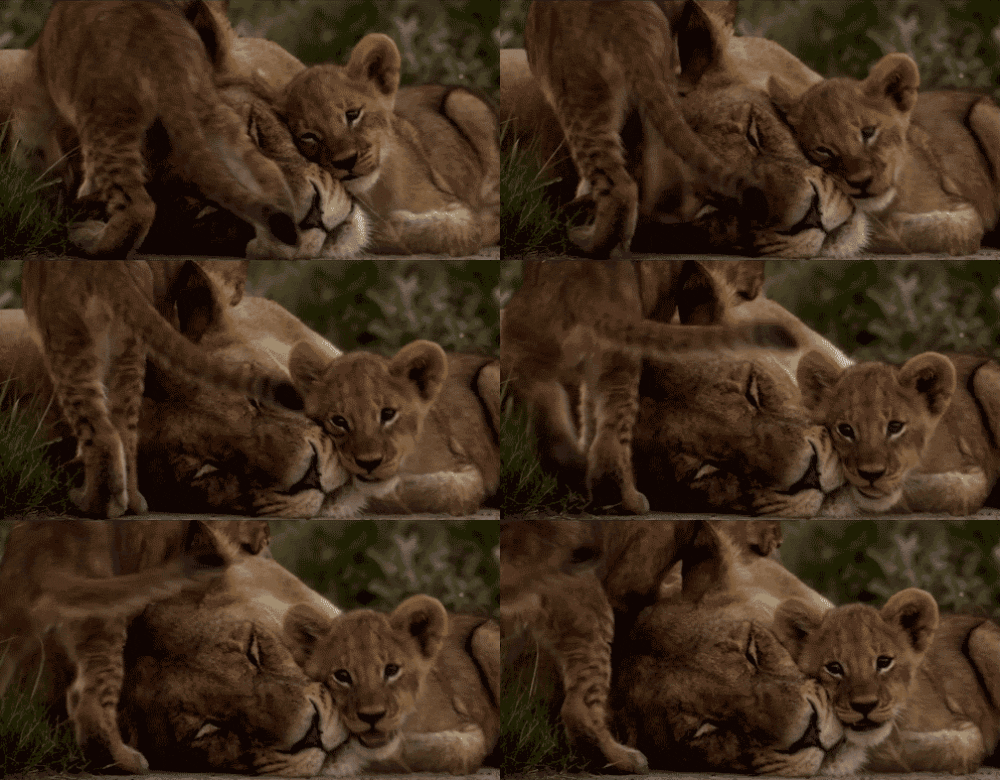
Usage-
Oxberry Master Series animation camera stand filming made possible the pinnacle of the application of this technique and it was brought to a high art form and technique by writer-director Raúl daSilva working with camera stand operator, Francis Lee, in the late 1960s and throughout the 1970s for communication, instruction, promotional and advertising motion pictures. The June 1969 issue of American Cinematographer, the magazine for the American Society of Cinematographers, contains a cover story written by Raúl daSilva on the art of Photoanimation (see cover insert) with a comprehensive description of the possibilities of this craft.
In making such films the soundtrack is first produced, analyzed and bar sheets made depicting the soundtrack details. Exposure sheets for filming (camera exposures) are then abstracted from the bar sheets.
When skill and planning are applied one can take a series of stills and/or objects through a combination of movements blended with a compilation of photographic effects. One of the most elaborate examples of complex, combined photoanimation shooting is demonstrated in Raúl daSilva’s critically acclaimed, six-time international film festival prizewinner,Rime of the Ancient Mariner with Sir Michael Redgrave which was produced between the years 1973 and 1975. In this film the director brings together the art of several illustrators spread throughout two centuries, artists who attempted to breathe life into the epic poem by Samuel Taylor Coleridge. Not only is there a seminal display of the collected art work but through the photoanimation technique combined with sound and music a unique visualization of the poem was created. Photoanimation techniques, as stated above, were used from the very early days of motion pictures but not at this level of sophistication and complexity. Hollywood often leaned on this less expensive technique for some of its movie trailers in the early era.
From the 1980s on filmmaker Ken Burns (The Civil War and other films for PBS) popularized a simpler, less complex form of photoanimation later called the Ken Burns Effect.
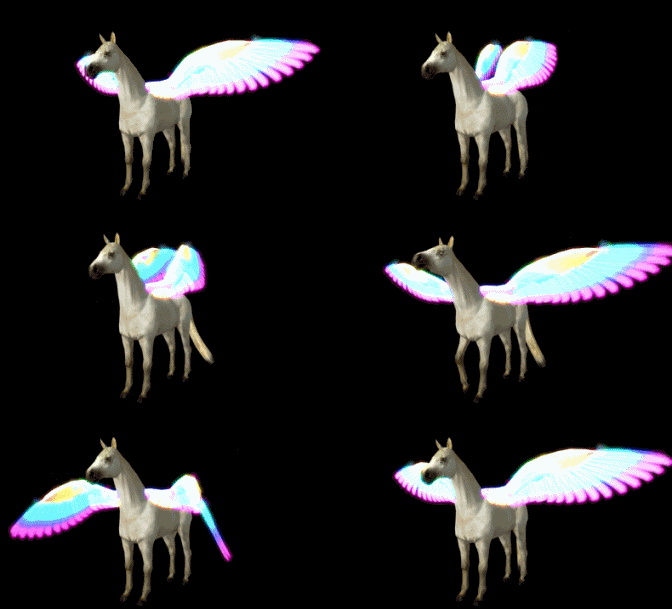
History of Animation-
Early examples of attempts to capture the phenomenon of motion into a still drawing can be found in paleolithic cave paintings, where animals are often depicted with multiple legs in superimposed positions, clearly attempting to convey the perception of motion.
An earthen goblet discovered at the site of the 5,200-year-old Burnt City in southeastern Iran, depicts what could possibly be the world’s oldest example of animation. The artifact bears five sequential images depicting a Persian Desert Ibexjumping up to eat the leaves of a tree.
Ancient Chinese records contain several mentions of devices that were said to "give an impression of movement" to human or animal figures, but these accounts are unclear and may only refer to the actual movement of the figures through space.
In the 19th century, the phenakistoscope (1832), zoetrope (1834) and praxinoscope(1877), as well as the common flip book, were early animation devices that produced an illusion of movement from a series of sequential drawings, but animation did not develop further until the advent of motion picture film and cinematography in the 1890s.
The cinématographe was a projector, printer, and camera in one machine that allowed moving pictures to be shown successfully on a screen which was invented by history's earliest film makers, Auguste and Louis Lumière, in 1894. The first animated projection (screening) was created in France, by Charles-Émile Reynaud, who was a French science teacher. Reynaud created the Praxinoscope in 1877 and the Théâtre Optique in December 1888. On 28 October 1892, he projected the first animation in public, Pauvre Pierrot, at the Musée Grévin in Paris. This film is also notable as the first known instance of film perforations being used. His films were not photographed, but drawn directly onto the transparent strip. In 1900, more than 500,000 people had attended these screenings.
During the 1910s, the production of animated short films, typically referred to as "cartoons", became an industry of its own and cartoon shorts were produced for showing in movie theaters. The most successful producer at the time was John Randolph Bray, who, along with animator Earl Hurd, patented the cel animationprocess which dominated the animation industry for the rest of the decade.
El Apóstol (Spanish: "The Apostle") was a 1917 Argentine animated film utilizing cutout animation, and the world's first animated feature film. Unfortunately, a fire that destroyed producer Frederico Valle's film studio incinerated the only known copy of El Apóstol, and it is now considered a lost film.
Computer animation has become popular since Toy Story (1995), the first feature-length animated film completely made using this technique.
In 2008, the animation market was worth US$68.4 billion. Animation as an art and industry continues to thrive as of the mid-2010s, because well-made animated projects can find audiences across borders and in all four quadrants. Animated feature-length films returned the highest gross margins (around 52%) of all film genres in the 2004-2013 timeframe.
GIF-
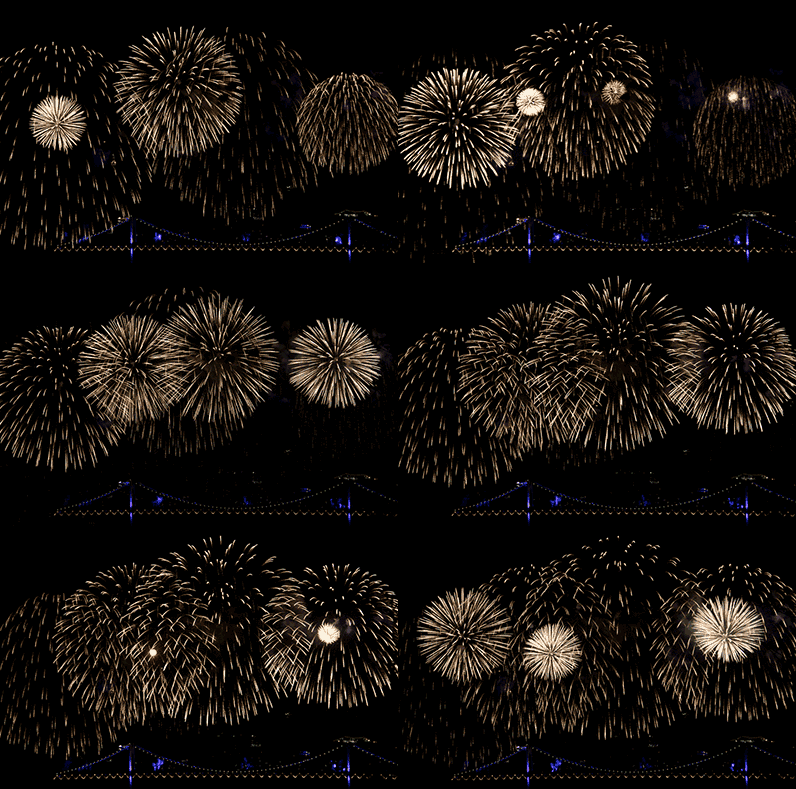
CompuServe introduced the GIF format in 1987 to provide a color image format for their file downloading areas, replacing their earlier run-length encoding (RLE) format, which was black and white only. GIF became popular because it used LZW data compression, which was more efficient than the run-length encoding that formats such as PCX and MacPaint used, and fairly large images could therefore be downloaded in a reasonably short time, even with very slow modems.
The original version of the GIF format was called 87a. In 1989, CompuServe released an enhanced version, called 89a,which added support for animation delays (multiple images in a stream were already supported in 87a), transparent background colors, and storage of application-specific metadata. The 89a specification also supports incorporating text labels as text (not embedding them in the graphical data), but as there is little control over display fonts, this feature is not widely used. The two versions can be distinguished by looking at the first six bytes of the file (the "magic number" or "signature"), which, when interpreted as ASCII, read "GIF87a" and "GIF89a", respectively.
GIF was one of the first two image formats commonly used on Web sites, the other being the black-and-whiteXBM.
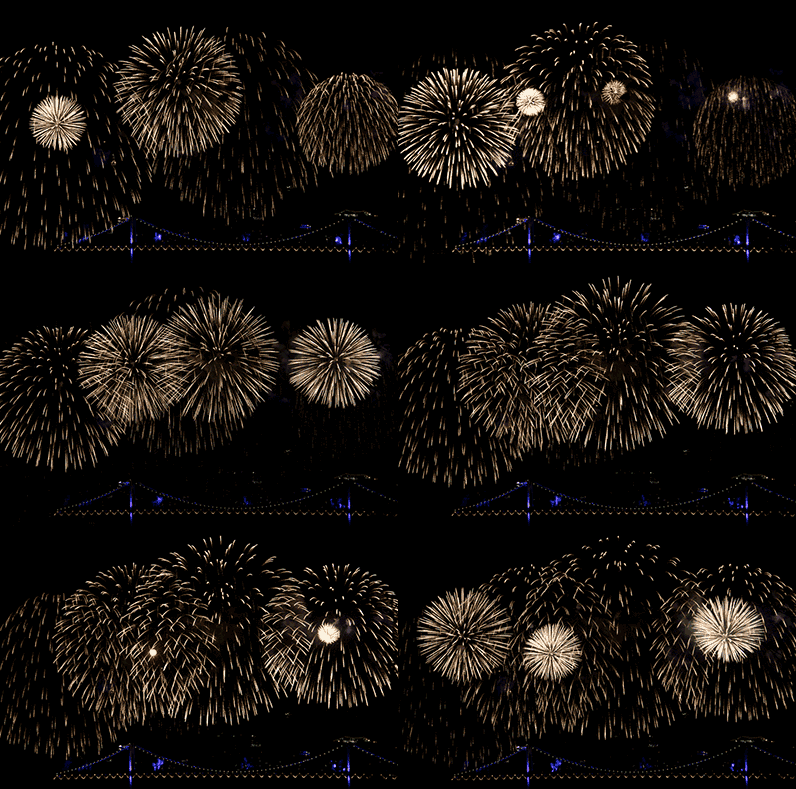
The feature of storing multiple images in one file, accompanied by control data, is used extensively on the Web to produce simple animations. The optional interlacing feature, which stores image scan lines out of order in such a fashion that even a partially downloaded image was somewhat recognizable, also helped GIF's popularity,[citation needed] as a user could abort the download if it was not what was required.
As a noun, the word GIF is found in the newer editions of many dictionaries. In 2012, the American wing of the Oxford University Press recognized GIF as a verb as well, meaning "to create a GIF file", as in "GIFing was perfect medium for sharing scenes from the Summer Olympics". The press's lexicographers voted it their word of the year, saying that GIFs have evolved into "a tool with serious applications including research and journalism".
In May 2015 Facebook added GIF support after originally rejecting support.
Animated GIF-
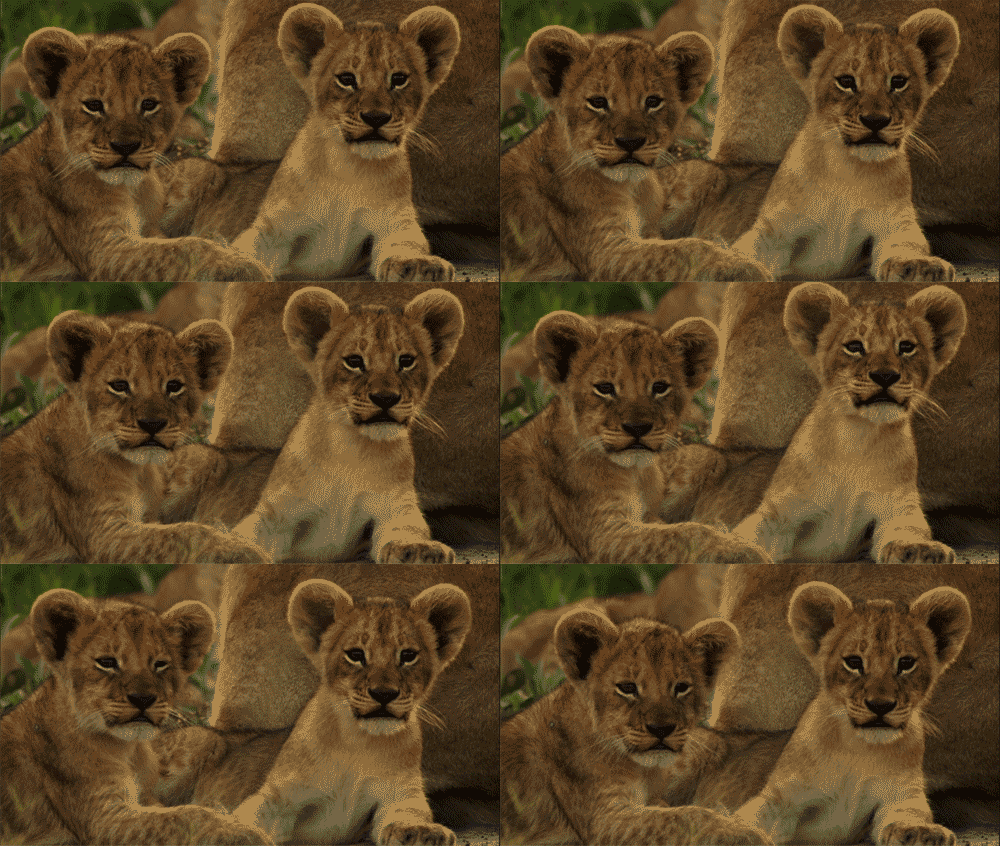
Basic animation was added to the GIF89a spec via the Graphics Control Extension (GCE), which allows various images (frames) in the file to be painted with time delays. An animated GIF file comprises a number of frames that are displayed in succession, each introduced by its own GCE, which gives the time delay to wait after the frame is drawn. Global information at the start of the file applies by default to all frames. The data is stream-oriented, so the file-offset of the start of each GCE depends on the length of preceding data. Within each frame the LZW-coded image data is arranged in sub-blocks of up to 255 bytes; the size of each sub-block is declared by the byte that precedes it.
By default, however, an animation displays the sequence of frames only once, stopping when the last frame is displayed. Since GIF is designed to allow users to define new blocks, Netscape in the 1990s used the Application Extension block (intended to allow vendors to add application-specific information to the GIF file) to implement the Netscape Application Block (NAB). This block, placed immediately before all the animation frames, specifies the number of times the sequence of frames should be played. (The value 0 signifies continuous display.) Support for these repeating animations first appeared in Netscape Navigator version 2.0, and then spread to other browsers. Most browsers now recognize and support NAB, though it is not strictly part of the GIF89a specification.

Uncompressed GIF-
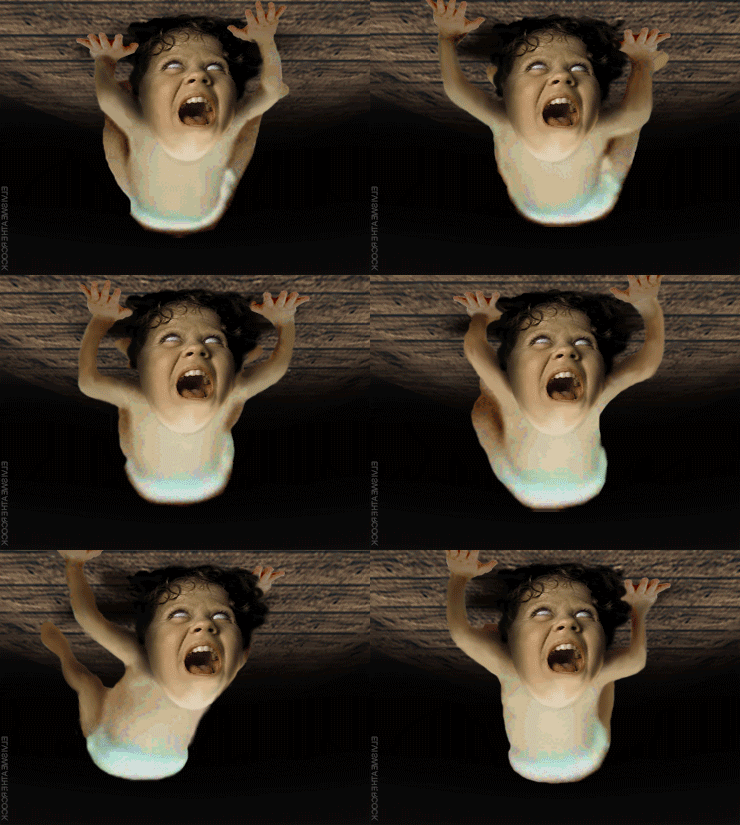
The GIF encoding process can be modified to create a file without LZW compression that is still viewable as a GIF image. This technique was introduced originally as a way to avoid patent infringement. Uncompressed GIF can also be a useful intermediate format for a graphics programmer because individual pixels are accessible for reading or painting. An uncompressed GIF file can be converted to an ordinary GIF file simply by passing it through an image editor.
The modified encoding method ignores building the LZW table and emits only the root palette codes and the codes for CLEAR and STOP. This yields a simpler encoding (a 1-to-1 correspondence between code values and palette codes) but sacrifices all of the compression: each pixel in the image generates an output code indicating its color index. When processing an uncompressed GIF, a standard GIF decoder will not be prevented from writing strings to its dictionary table, but the code width must never increase since that triggers a different packing of bits to bytes.
If the symbol width is n, the codes of width n+1 fall naturally into two blocks: the lower block of 2n codes for coding single symbols, and the upper block of 2n codes that will be used by the decoder for sequences of length greater than one. Of that upper block, the first two codes are already taken: 2n for CLEAR and 2n + 1 for STOP. The decoder must also be prevented from using the last code in the upper block, 2n+1 − 1, because when the decoder fills that slot, it will increase the code width. Thus in the upper block there are 2n − 3 codes available to the decoder that won't trigger an increase in code width. Because the decoder is always one step behind in maintaining the table, it does not generate a table entry upon receiving the first code from the encoder, but will generate one for each succeeding code. Thus the encoder can generate 2n − 2 codes without triggering an increase in code width. Therefore the encoder must emit extra CLEAR codes at intervals of 2n − 2 codes or less to make the decoder reset the coding dictionary. The GIF standard allows such extra CLEAR codes to be inserted in the image data at any time. The composite data stream is partitioned into sub-blocks that each carry from 1 to 255 bytes.

Palettes-
GIF is palette-based: the colors used in an image (a frame) in the file have theirRGB values defined in a palette table that can hold up to 256 entries, and the data for the image refer to the colors by their indices (0–255) in the palette table. The color definitions in the palette can be drawn from a color space of millions of shades (224 shades, 8 bits for each primary), but the maximum number of colors a frame can use is 256. This limitation seemed reasonable when GIF was developed because few people could afford the hardware to display more colors simultaneously. Simple graphics, line drawings, cartoons, and grey-scale photographs typically need fewer than 256 colors.
Each frame can designate one index as a "transparent background color": any pixel assigned this index takes on the color of the pixel in the same position from the background, which may have been determined by a previous frame of animation.
Many techniques, collectively called dithering, have been developed to approximate a wider range of colors with a small color palette by using pixels of two or more colors to approximate in-between colors. These techniques sacrifice spatial resolution to approximate deeper color resolution. While not part of the GIF specification, dithering can of course be used in images subsequently encoded as GIF images. This is often not an ideal solution for GIF images, both because the loss of spatial resolution typically makes an image look fuzzy on the screen, and because the dithering patterns often interfere with the compressibility of the image data, working against GIF's main purpose.
In the early days of graphical web browsers, graphics cards with 8-bit buffers (allowing only 256 colors) were common and it was fairly common to make GIF images using the websafe palette. This ensured predictable display, but severely limited the choice of colors. Now that 32-bit graphics cards, which support 24-bit color, are the norm, palettes can be populated with the optimum colors for individual images.
A small color table may suffice for small images, and keeping the color table small allows the file to be downloaded faster. Both the 87a and 89a specifications allow color tables of 2n colors for any n from 1 through 8. Most graphics applications will read and display GIF images with any of these table sizes; but some do not support all sizes when creating images. Tables of 2, 16, and 256 colors are widely supported.
True color-
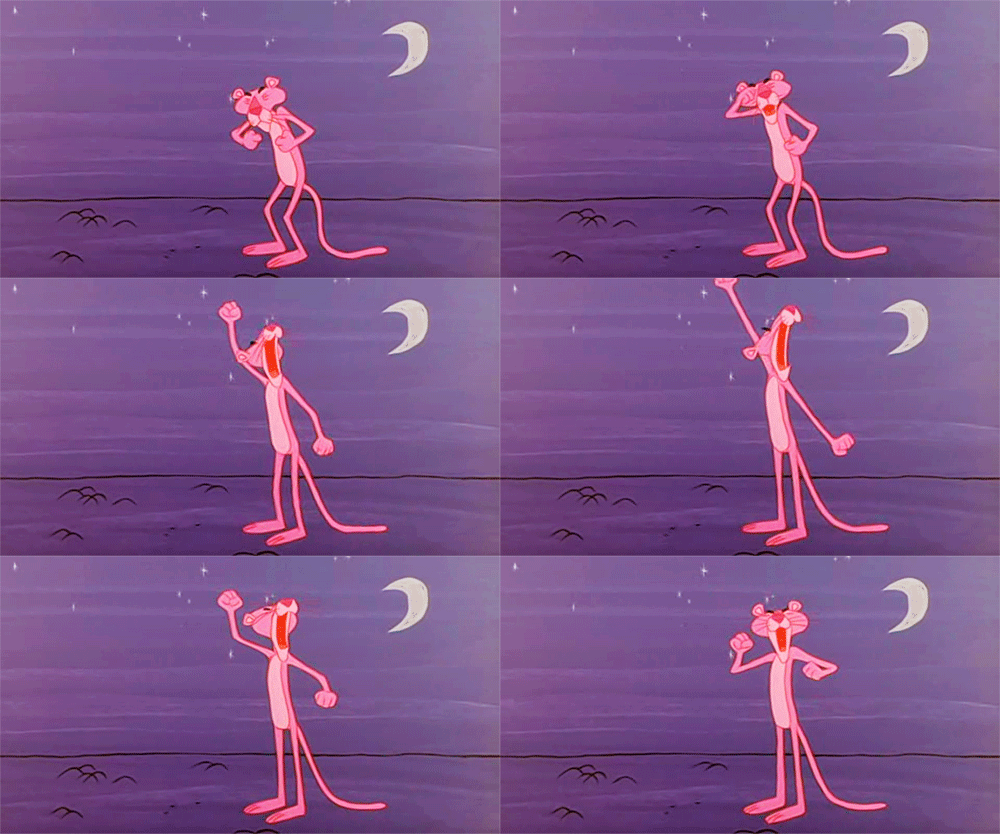
Although the GIF format is almost never used for True Color images, it is possible to do so. A GIF image can include multiple image blocks, each of which can have its own 256-color palette, and the blocks can be tiled to create a complete image. Alternatively, the GIF89a specification introduced the idea of a "transparent" color where each image block can include its own palette of 255 visible colors plus one transparent color. A complete image can be created by layering image blocks with the visible portion of each layer showing through the transparent portions of the layers above.
To render a full-color image as a GIF, the original image must be broken down into smaller regions having no more than 255 or 256 different colors. Each of these regions is then stored as a separate image block with its own local palette and when the image blocks are displayed together (either by tiling or by layering partially transparent image blocks) the complete, full-color image appears. For example, breaking an image into tiles of 16 by 16 pixels (256 pixels in total) ensures that no tile has more than the local palette limit of 256 colors, although larger tiles may be used and similar colors merged resulting in some loss of color information.
Since each image block requires its own local color table, a GIF file having lots of image blocks can be very large, limiting the usefulness of full-color GIFs. Additionally, not all GIF rendering programs handle tiled or layered images correctly. Many rendering programs interpret tiles or layers as animation frames and display them in sequence as an endless animation with most web browsers automatically displaying the frames with a delay time of 0.1 seconds or more.

